DBEmbedded svg canvas in WContainerWidget
Added by denis Bertini over 10 years ago
Hi
I have embedded an svg canvas ( javascript standalone code ) within
a WContainerWidget. When i used Auto Sizing of the container the embedded
svg canvas is not able to resize properly and get distorted .
Is there a way to force repaint() of all existing element in a WContainerWidget
in an automatically way ?
Thanks in advance
Denis
Replies (4)
KD RE: Embedded svg canvas in WContainerWidget - Added by Koen Deforche over 10 years ago
What do you mean with 'Auto Sizing'?
I think there's only one way to react to the container resizing and that's by:
- setting a layout (e.g. WFitLayout) on the container
- setting a custom widget (e.g. WContainerWidget) inside the fit layout
- reimplementing the virtual layoutResized() function.
DB RE: Embedded svg canvas in WContainerWidget - Added by denis Bertini over 10 years ago
Hi Koen,
Thanks for your answer. will look at this !
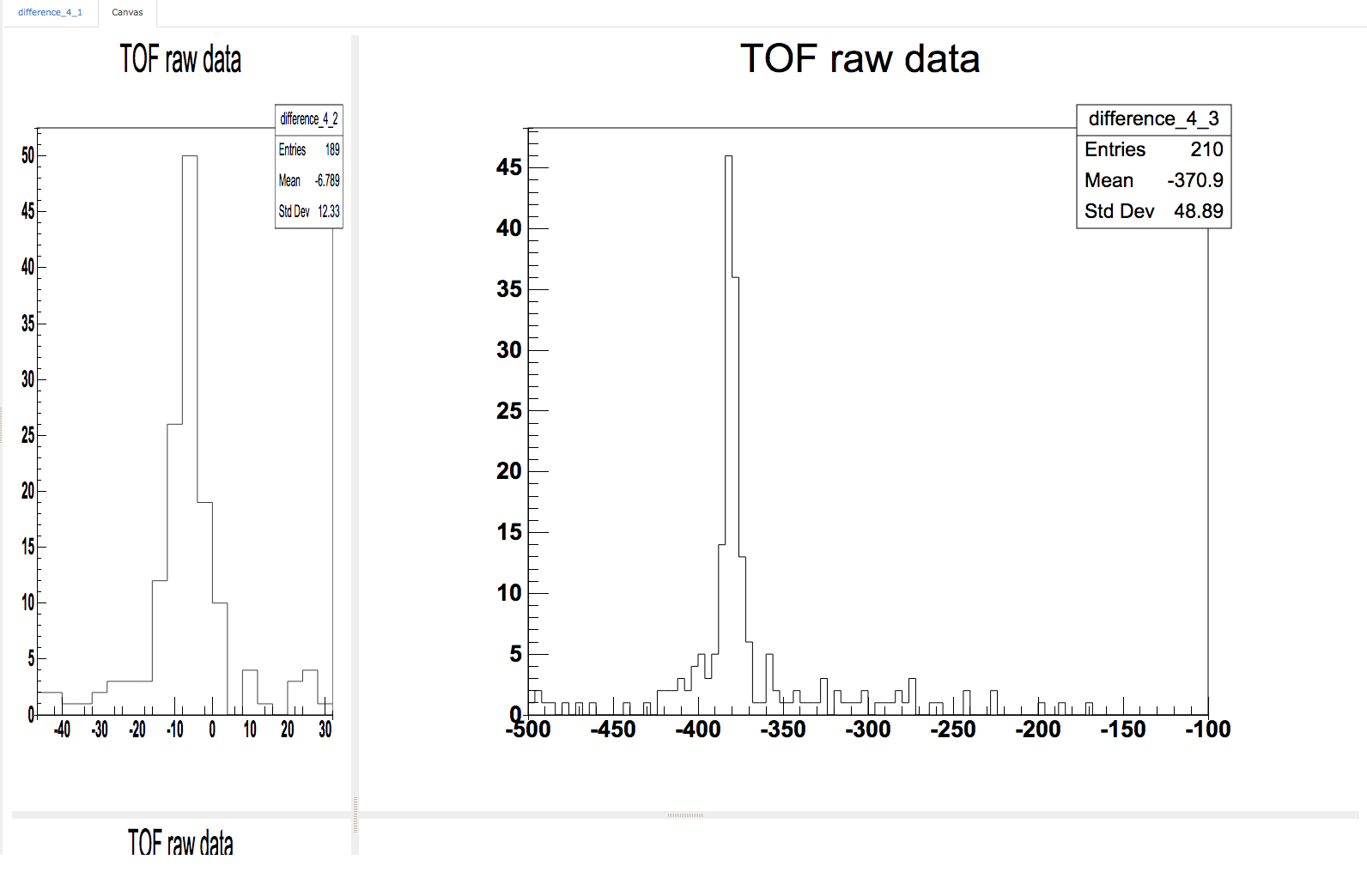
What i meant is that the svg canvas put inside a WGridLayout
do not resize properly like if a repaint() is missing when changing
at the size of an element in the grid layout.
I attached a screen shot showing exactly this.
Ciao
Denis
| Screen.png (88 KB) Screen.png |
DB RE: Embedded svg canvas in WContainerWidget - Added by denis Bertini over 10 years ago
Hi Koen,
I could not find out how to use WFitLayout from within a WGridLayout to solve the
sizing problem.
On the other hand, reimplementing the LayoutResized() function worked fine for me!
My concern is when having a lot of histogram to display ( client side ) any resizing of the
layout will cause a repaint() of all the histograms and may be can be a performance
penalty.
Since i am not experience with web graphics, what is the "good practice" to have
performant graphics on the web ( client or server side ) ?
Best regards,
Denis
KD RE: Embedded svg canvas in WContainerWidget - Added by Koen Deforche over 10 years ago
In that case you were already using layouts and then the additional WFitLayout is not necessary.
As to performance: that is a bit of an open-ended question. Wt does it's best to have performant graphics rendering (to HTML5 Canvas, SVG, VML, or PNG). But since it's server-side it cannot offer the same kind of interactivity as a client-side solution. On the other hand, if a lot of data is required for the rendering, then rendering a PNG server-side can be the fastest solution, and with WPaintedWidget you can easily switch between the two. So it's not an easy choice.